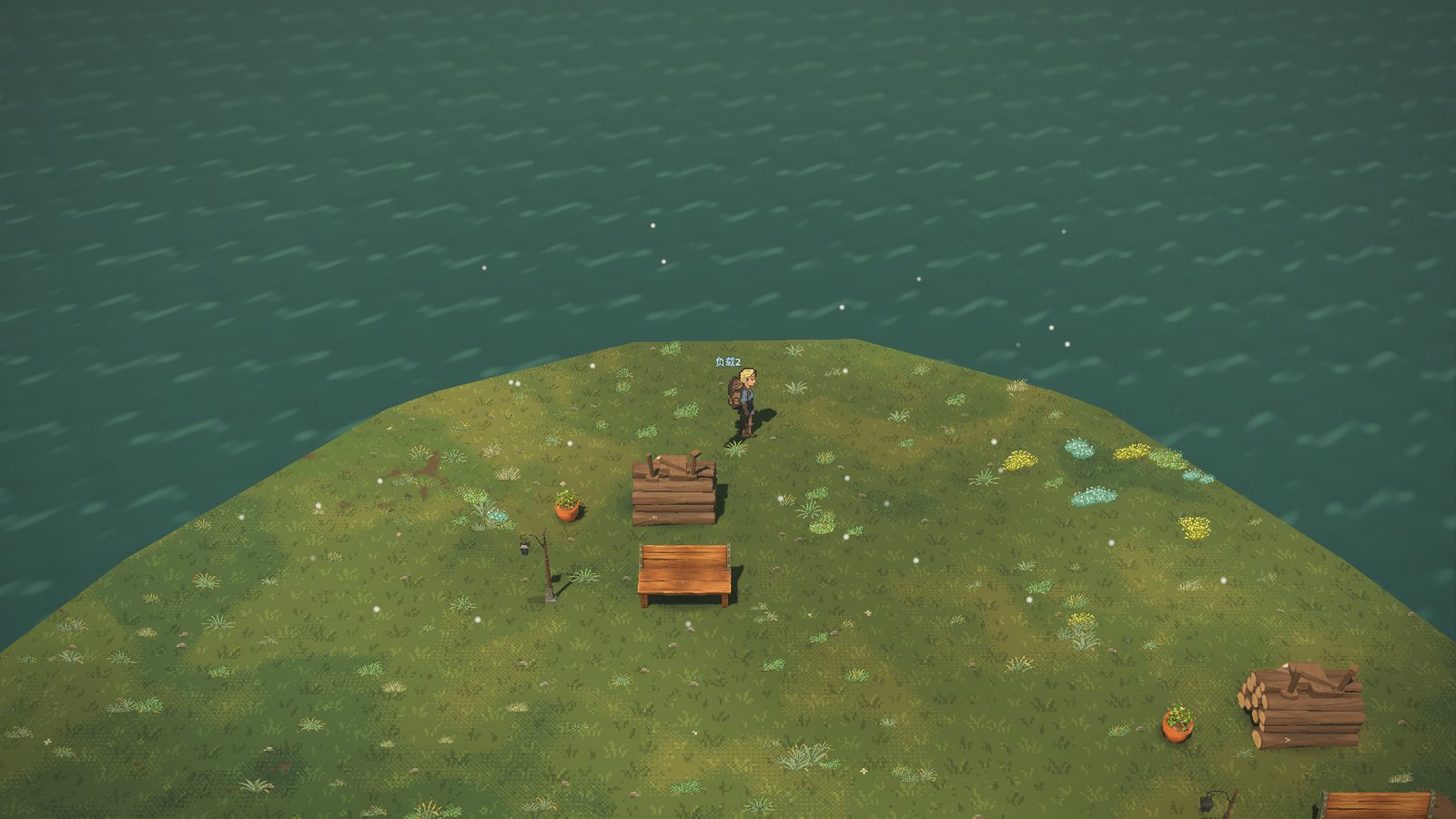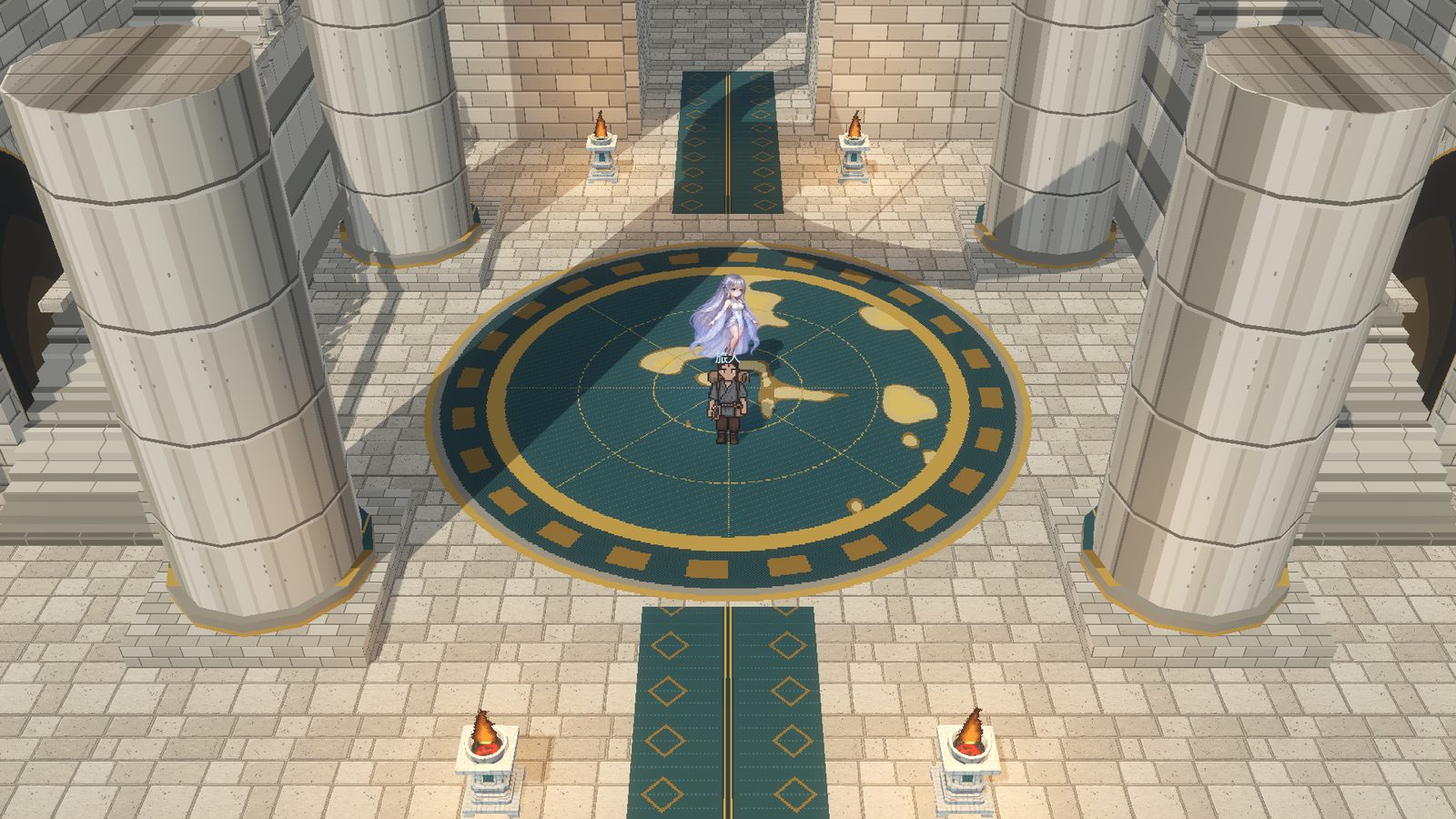
In-game capture: the Tower of the First Law floating beyond the coast at dusk

A shared tower at sea · Persistent multiplayer world

The world keeps living after you leave.

Checking server status Current version: Game 0.99.115 · release 311

64-bit. The launcher installs the game and keeps both the game and itself up to date.Windows x64 · launcher ZIP

Apple silicon and Intel. The game checks for new versions and updates itself.Apple silicon / Intel · game ZIP

In-game capture (release 217 client, test world)

A world that keeps going

Not a stage waiting for you to log in

Day and night, the seasons, the weather, the growth of the forest and the lives of the residents all keep running on the server. Everyone you see is going about their own business.

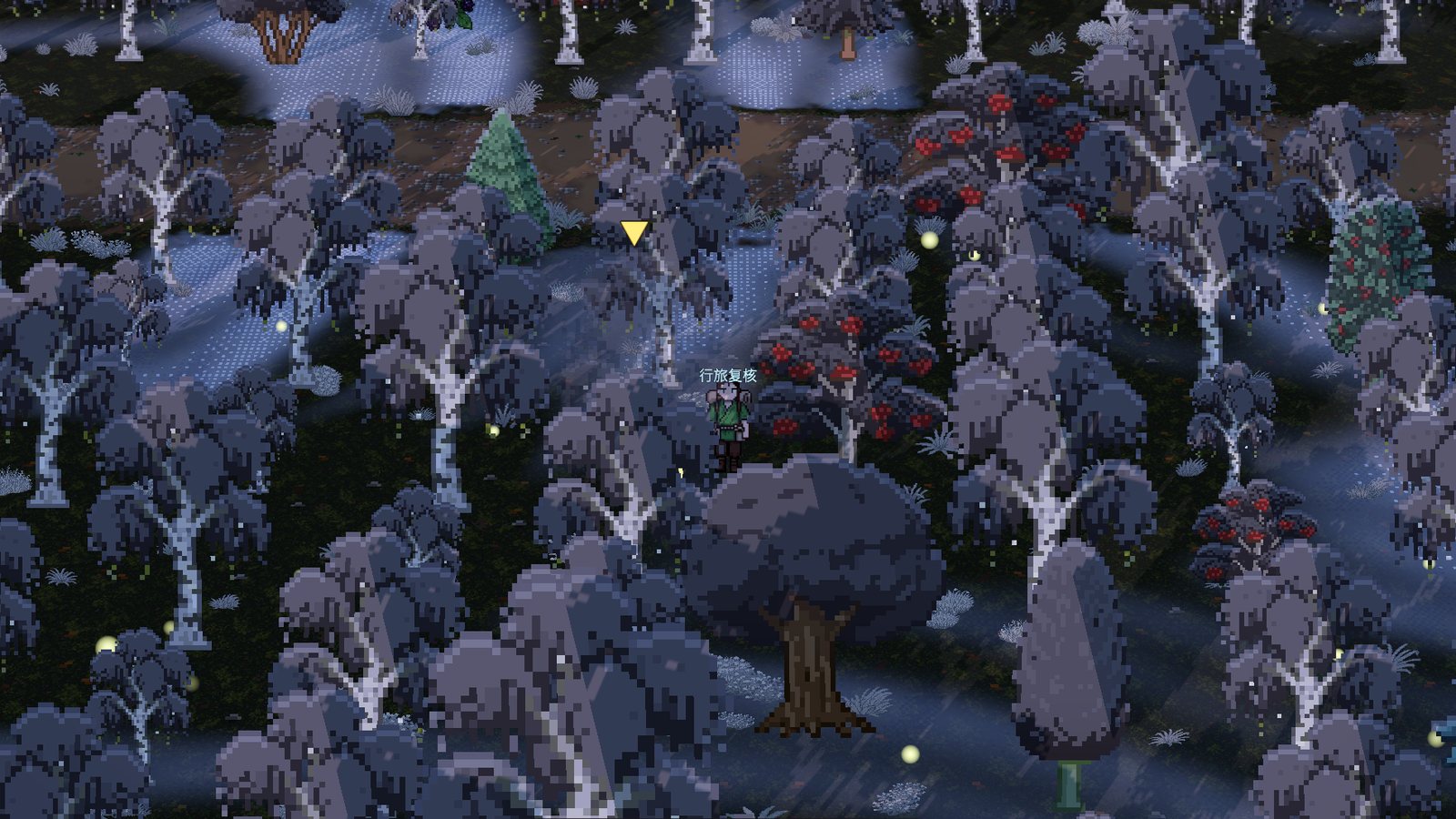
Release 256 in-game capture: Qingshan Woodland at dusk in winter, in a local test world
Release 256 client · Local test world · Qingshan Woodland, winter dusk

Gathering and growth

Walk into an endless forest

Forests, river valleys and lakeshores join seamlessly with no loading borders. Follow the paths deeper: forty kinds of trees, many kinds of ore and wild plants are waiting, and six life skills — logging, mining, gathering, crafting, building and farming — grow the more you work.

  • Grow carrots, turnips and beans, pick fruit and fish at the water's edge
  • Lead wild cattle, sheep and chickens home to a stable for milk, wool and eggs every day
  • Smelt iron for weapons and armour; copper, silver and gold become rings and necklaces
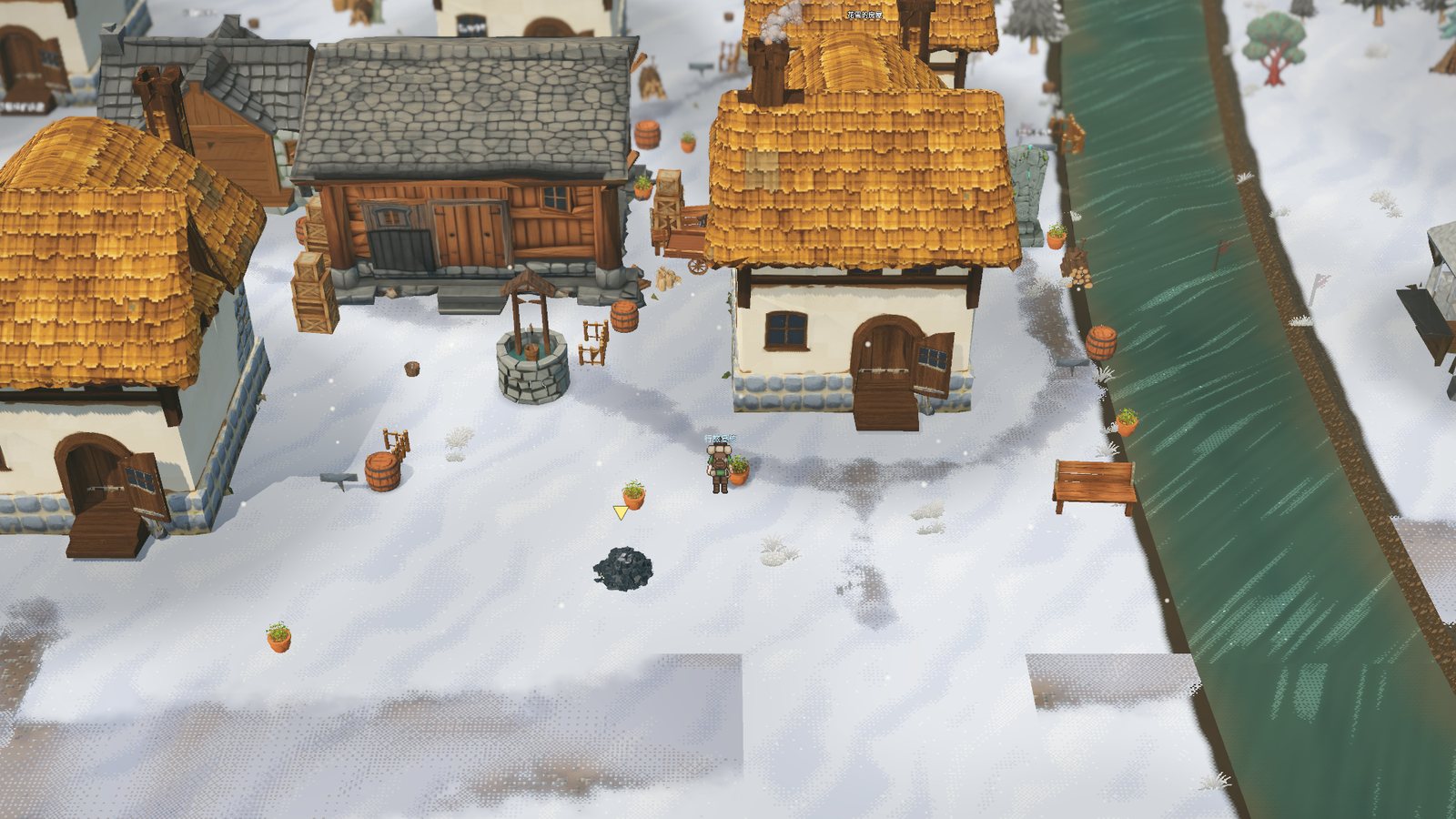
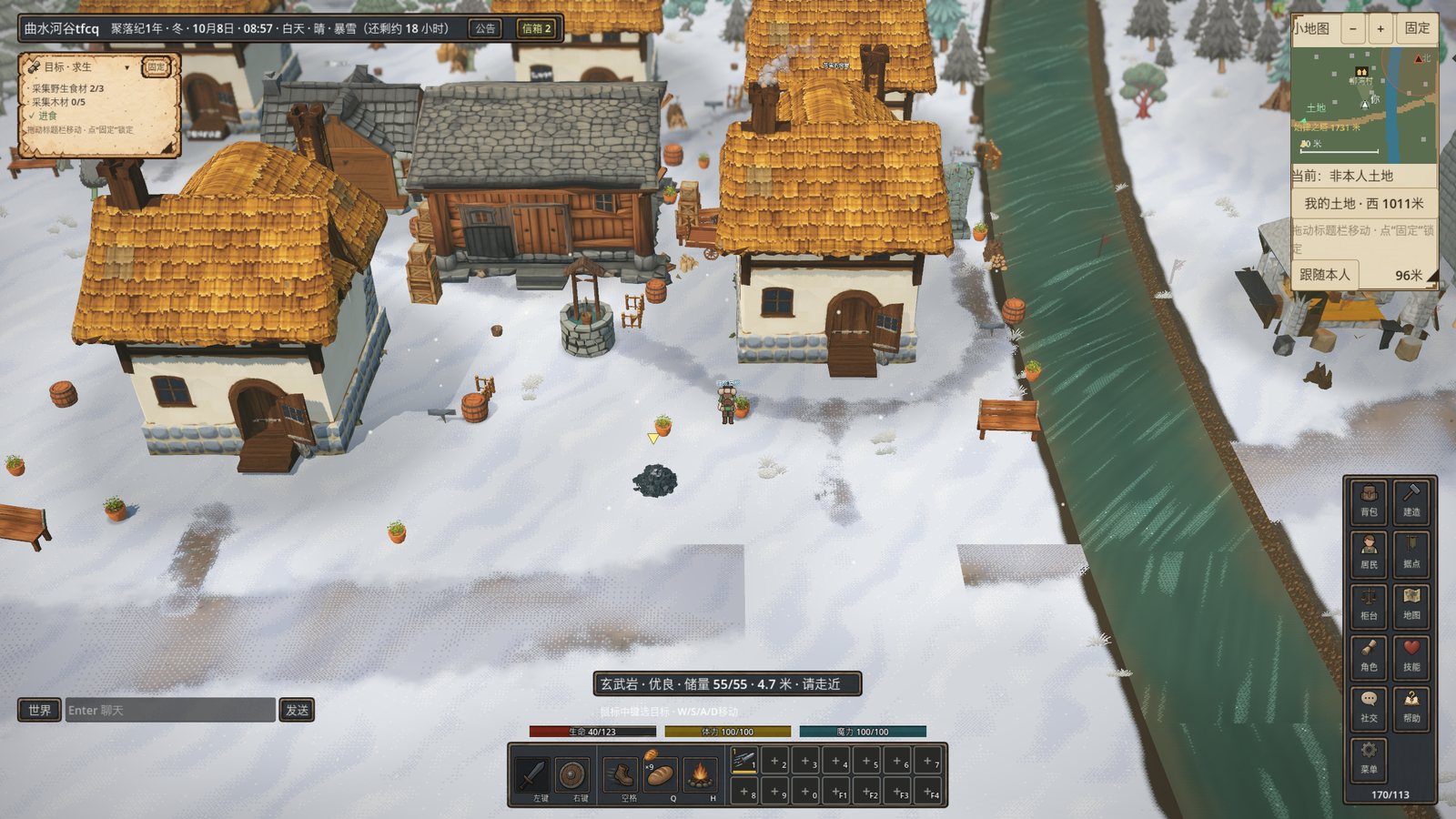
Release 256 in-game capture: houses and paths in Liuwan Village on a winter morning, in a local test world
Release 256 client · Local test world · Liuwan Village, winter morning

Build a settlement

From an empty plot to a village

Register land and place houses, warehouses, carpentries, farms, mills, bakeries and smithies on the grid. Every building can be entered, furnished for its work with beds, shelves, ovens and anvils. Learn road building to lay roads; a finished house gets a doorway path to the nearest road on its own.

  • A Town Core turns your foothold into a real settlement, and you can invite other players to run it with you
  • Counters for trade; wages and trades are paid in copper
  • Learn new crafts from the mentors at the Profession School, and go back to study further at each rank's limit
  • Build a Star Marrow Tower, raise Waystones and teleport between your own
Release 256 in-game capture with the game interface: Liuwan Village on a winter morning, in a local test world
Release 256 client, with game interface · Local test world · Liuwan Village, winter morning

Residents with lives of their own

They don't just work for you

Residents have personalities, needs and memories. When hired they really walk, carry, produce and build; when free they gather, buy and sell at counters and chat with neighbours. Once they have saved enough they clear a plot and build a house, then set up a camp with friends that slowly grows into a village.

  • Good food, wages on time, a bed and friends all shape their mood and how hard they work
  • Residents of each region talk with their own customs and sayings
  • After you log off, they keep working and living
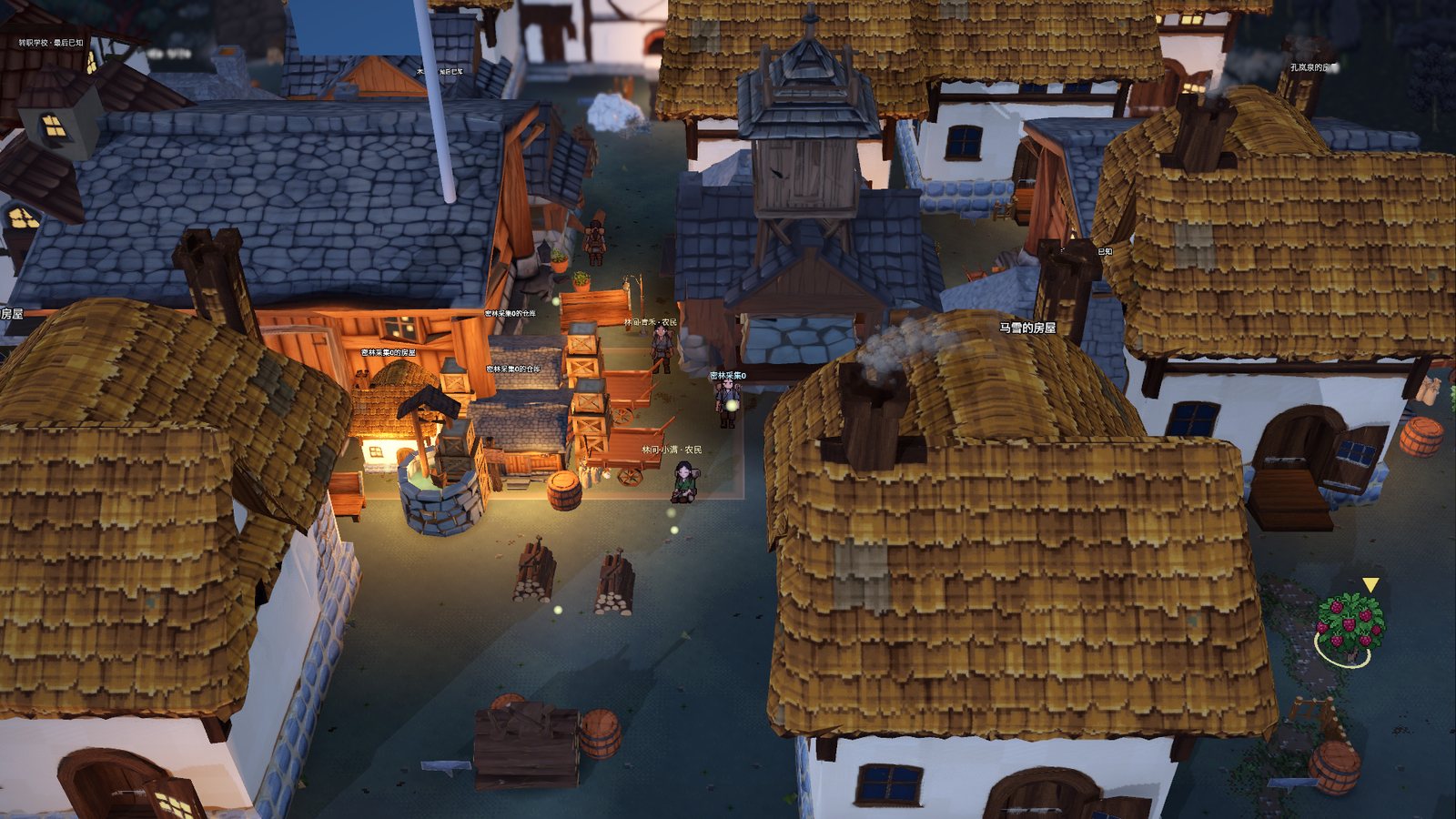
In-game screenshot: the village at night
In-game screenshot

Together with others

After sunset, the lamps stay lit

One real minute is one hour in the game, and day, night, seasons and weather keep changing. Chat, add friends and form parties with other players to clear dens together — or find a job on the notice board, or hire someone to help you.

  • World channel, private chat, parties and social groups; friends are kept per character
  • The notice board's Work page: apply for posts and earn a daily base wage plus piece rates
  • Take on residents' requests, or sell goods to the public buyer
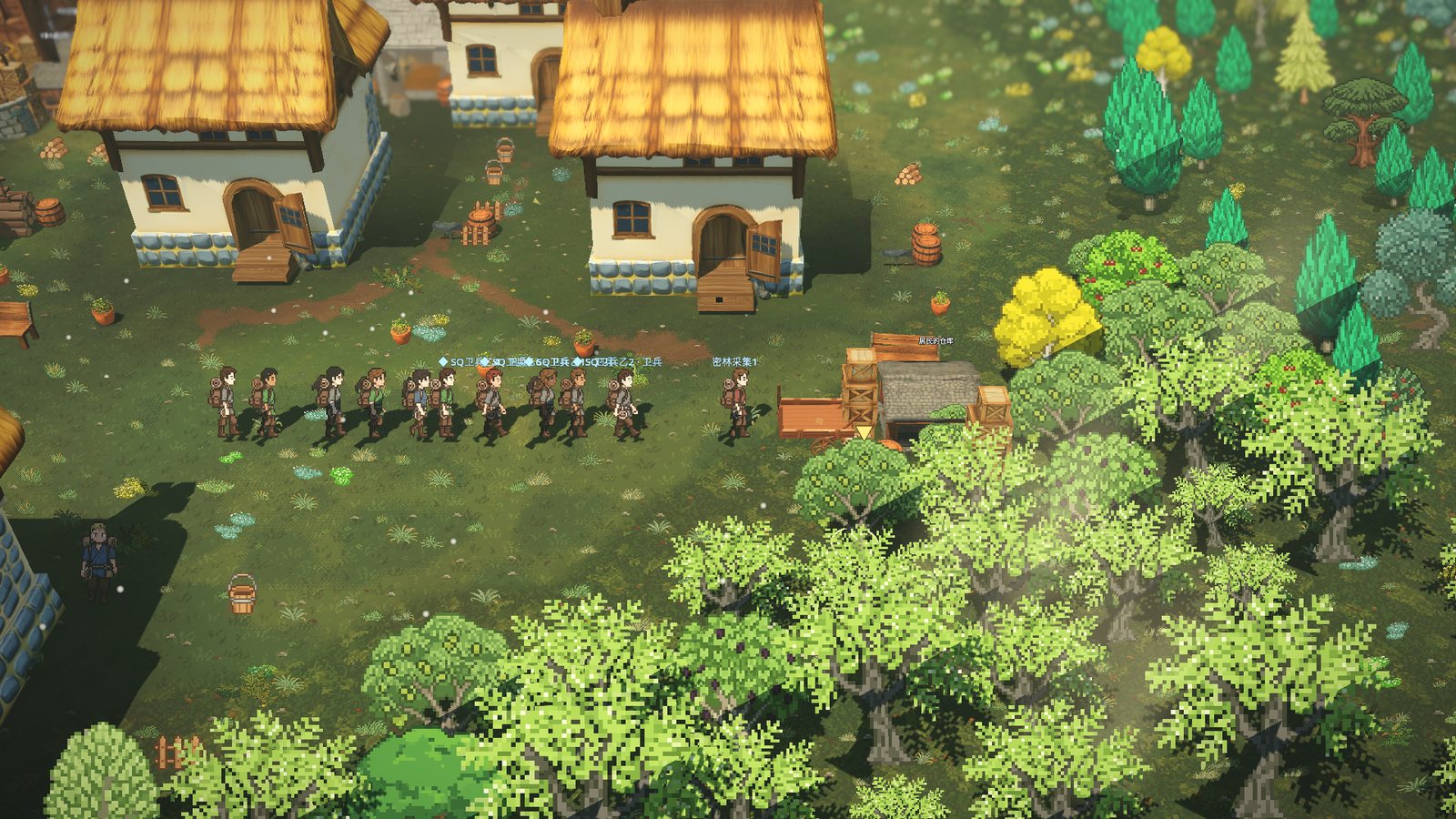
In-game screenshot: a squad of guards advancing in formation across a forest clearing
In-game screenshot · arranged in a test world

Fighting side by side

Take your guards out in formation

Enlist your own hired guards into squads: archers, spearmen and shield-bearers mixed, marching with you through the forest with rations and arrows. Four formations (loose, line, spread, column) and five orders — follow, move, hold, focus, retreat — and a squad can cross into other areas with you to clear a den.

  • Up to four squads and twelve soldiers per player
  • Press L to pull the camera back into the command view; a party leader can mark rally, attack and retreat points on the ground
  • Guards grow through real fights, and a guard at the top of a rank can be sent to school to study further
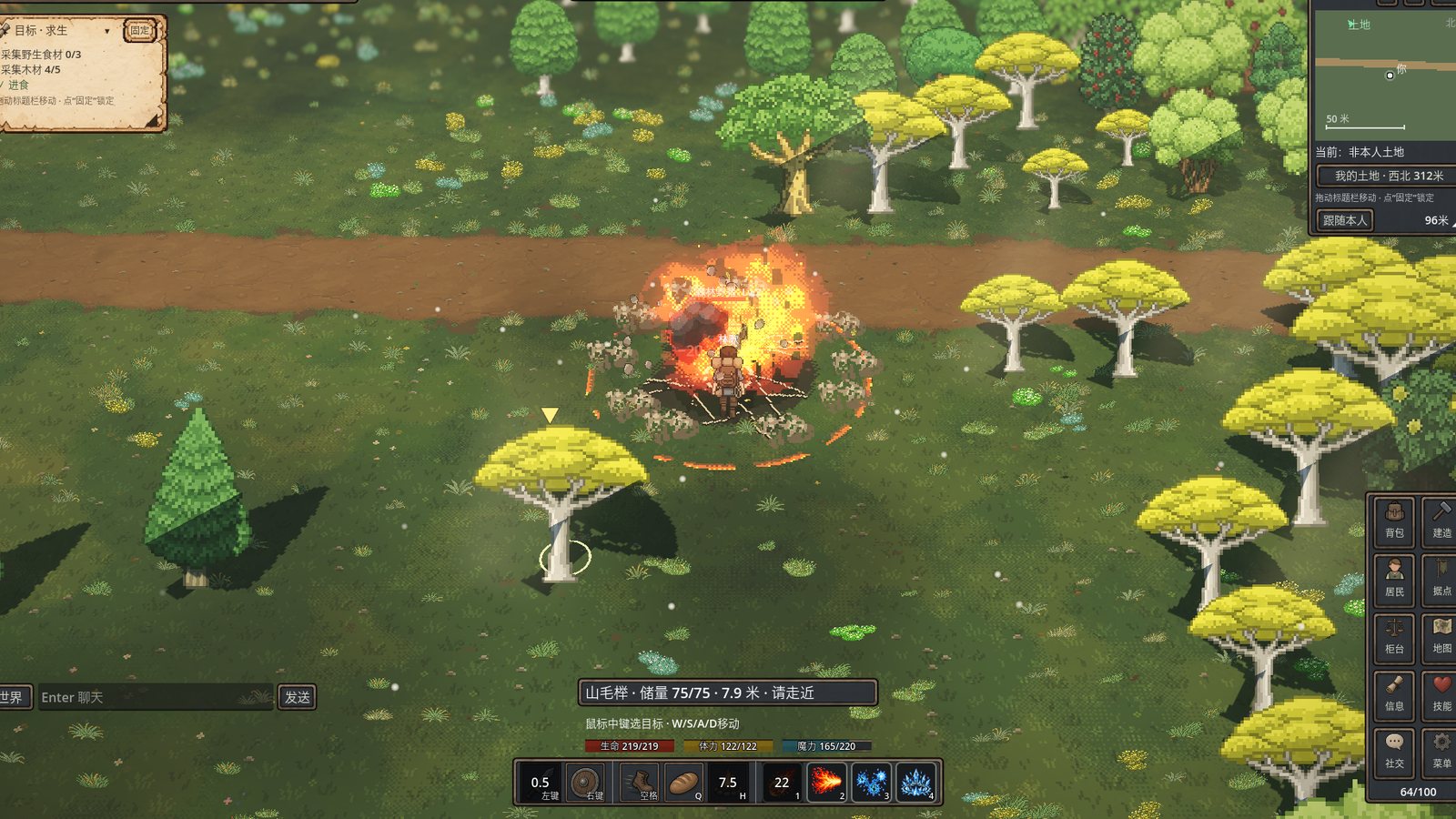
In-game screenshot (with the game interface): Meteor landing among a pack of boars, four technique icons on the combat bar
In-game screenshot (with the game interface)

Combat and builds

Twenty-eight techniques, built your way

Four disciplines — martial arts, magic, inner force and cultivation — each with single-target and area moves: sweeping cones, landing bursts, chain lightning that leaps between beasts, frost that slows, executes that finish the wounded. Every technique has frame-by-frame moves and hit effects, and casting previews the area it will hit. Four active slots sit on keys 1–4 with four passive slots beside them; five builds apply in one click, or mix freely; characters show the weapon they hold.

  • Learn techniques at school; advanced ones need the previous one practised first
  • Wolf packs surround you, poison mushrooms puff spores, bandits snatch coins and run; a den chief left alone grows stronger and brings night raids
  • Fallen beasts leave bodies that slowly turn to bones; when you are knocked down you get up wounded
In-game screenshot: the shore of a lake in a newly generated area, water running to the distance
In-game screenshot · a new area generated in a test world

Exploration without end

The farther you go, the more land there is

The world has no fixed edge: wherever players explore, new areas appear, spreading on in every direction. Their roads join those of the neighbouring areas, and they may bring ponds, lakes, seas and islands, new coasts or new land, with water running on across area borders. Each area is named after its local culture and keeps its own customs, and the wilds are scattered with stone rings, steles, broken walls and dry wells left by those who came before.

  • Sandstone and granite outcrops along the shore, and fishing at the water's edge
  • Ruin inscriptions you read go into the chronicle, and the map marks where the ruins stand
  • Water cannot be walked on, and buildings, land and beasts are kept off it
In-game capture: the tower's central hall, its spirit and circular floor inlay
In-game capture (release 217 client, test world)

A landmark you can visit now

The Tower of the First Law

Enter the floating public tower, rest in its peaceful hall and read the creation steles and the Record of Lives. Combat and construction are disabled here. Upstairs, three chambers hold accounts of people and their techniques.

Discover the tower
Game character art: a silver-haired spirit in a blue-silver dress and light veil

Guardian of the hall

Greet the tower spirit

The silver-haired spirit watches over the central hall. She waves when you approach or click her. In the game, her fixed guidance explains the steles, the three upper chambers and the route back to your waystone.

The spirit's introduction (fixed text)

Welcome to the Tower of the First Law, traveler. I am the spirit watching over this tower. What would you like to know?

Start playing

Download and enter Qinggu in two steps

Free to play; an internet connection is required. Both platforms update automatically: on Windows the launcher installs and updates the game, on a Mac the game updates from its sign-in screen.

Windows launcher

64-bit
Download the launcher (ZIP)

Windows x64 · launcher ZIP

  1. Download and extract the whole ZIP into the folder you want the game in, then open OathmereLauncher.exe.
  2. The launcher checks for updates by itself and downloads the game into a game folder beside it; register or sign in in the launcher, then start the game. Each time you open the launcher, the game and the launcher update themselves.
Windows says “Windows protected your PC”?

Click More info, then Run anyway. The launcher is not code-signed yet, so Windows may show this the first time you run it. Extract the ZIP into a normal folder first; do not run it from inside the ZIP.

macOS app

Apple silicon / Intel
Download for Mac (ZIP)

Apple silicon / Intel · game ZIP

  1. Double-click the ZIP to extract it, drag Oathmere into Applications and open it.
  2. Register or sign in inside the game. When a new version is out, an update button appears on the sign-in screen: one click downloads it and restarts the game, keeping your settings and sign-in.
macOS says Apple could not verify “Oathmere”?

If macOS says Apple could not verify “Oathmere”: click Done, open System Settings → Privacy & Security, find Oathmere near the bottom and click Open Anyway, then confirm with your login password. (On macOS 14 and earlier you can also right-click Oathmere and choose Open.) This test build is not yet notarized by Apple, so this is needed once after each download.

Latest update

A new website, and a new game client on the way

The website has a new look: wider pages, larger pictures, and downloads, updates, the roadmap and server status are easier to find. The game is also moving to an all-new client, which will reach you through automatic updates when it is ready.

  • ComingNew client: visuals, animation and effects are being rebuilt, with both 2D and 3D display modes.
  • ComingAutomatic updates on Windows and Mac: the launcher on Windows, a one-click update on the Mac sign-in screen.
  • ComingUntil the new client is released, the downloads here are the current version and can be played as usual.
  • ComingNew website: wide-screen layout, downloads on the home page, and an update log and roadmap that follow each release.
Released 2026-11-20All updates →

Trouble signing in? For a forgotten password click “Forgot password” on the sign-in screen; for an unverified email or anything else see Cannot sign in?

Getting started

Common controls

These are the default keys; change any of them under Key bindings in the game menu. Settings can also enlarge the interface to 150% or 200%, or leave it on Auto to follow the window size. The world does not pause when you open a menu.

WASDMove
SpaceHold to run · dodge in combat
LMBAttack · select target
RMBGuard
1–4Techniques
QEat food
HRecover · get up
EInteract / gather
BBuild
IBag
NResidents
TSettlement
RCounter
MMap
KSquads
LCommand view
VGestures
EnterChat

Questions

Before you start

Does it cost anything?

No, it is free to play; an internet connection is required. The game is still in alpha development, so content and numbers change with updates, and every update is listed in the update log.

Are Lost Continent and Oathmere the same game?

Yes. The game was renamed Oathmere in release 130 and the website moved to oathmere.online; the old address mg.sageon.app still works. A few places in the game window still show the old name.

Which computers are supported?

64-bit Windows 10 or 11, and Macs with Apple silicon or Intel. On Windows the launcher installs the game and keeps the game and itself up to date; the Mac app checks for new versions and updates from its sign-in screen. The Mac app is not yet notarized by Apple, so the first launch has to be allowed in System Settings.

What happens while I am offline?

The world keeps running: day, night, weather and the residents' work and lives go on, and hired residents keep working for their wages. Beasts may raid inhabited settlements at night; while you are away the raid is settled by your guards' strength, and at worst you lose crops in the fields.

Can I play with friends?

Yes. Everyone is in the same world: add friends, form parties and social groups, and clear dens together. You can also invite friends into your settlement as managers or members to share its warehouses.

The text in the interface is too small or too large.

In Settings, on the Interface page, set “Interface and text” anywhere from 100% to 200%, or choose Auto to scale with the window — 2K and 4K screens included. The map, notice board, goals and character windows look like journal pages by default; switch them to Dark under “Window style”.

I cannot sign in, or I found a problem in the game.

For a forgotten password click “Forgot password” on the sign-in screen; for other sign-in problems leave a message on the help page. Once you are in the game, use “Report a problem” in the game menu and attach a screenshot if you like; once the fix is released, you get an answer in the game.